Colombia Check-MIG
Arrival Card Americas | Check-MIG
August 7, 2026
✈️ Before You Go
Colombia’s Check-MIG isn’t a visa—it’s a free online entry form required for all travelers, including tourists, within 72 hours before departure. Real-world timing? Most people finish it in 10 minutes, but the website can lag during peak hours, so do it at least a day ahead, not at the airport. The what experienced travelers wish they knew earlier? You must also fill it out when leaving Colombia—many forget, and airlines won’t let you board without the exit QR code. From frequent visitors: save the PDF or screenshot of both entry and exit forms on your phone; immigration officers rarely scan them, but they ask to see the QR code, and having it offline saves you if your signal drops. Also, double-check your passport number—a single digit error triggers a 20-minute manual review at the counter. Keep it simple, do it early, and you’ll breeze through.
⚠️ Important Notes
Fill Time Window
Complete within 72 hours before departure and at least 1 hour before boarding. Screenshot the generated QR code.
Cost
Free
0- • All travelers arriving in Colombia by air must complete Check-MIG, including children
- • Check-MIG is completely free — any website charging for it is a scam
- • The generated QR code must be shown at check-in, security screening, AND immigration — screenshot and save it
- • Check-MIG must be completed separately for entry AND exit — fill it again within 72 hours before departure
- • If your flight is canceled or rescheduled, you must re-submit Check-MIG and generate a new QR code
- • The Check-MIG website is Spanish-only (lang='es') — no English toggle. Use browser translation if you don't read Spanish
- • Enter your name and passport number exactly as on your passport — note that Spanish uses the letter Ñ and accent marks
- • Complete within 72 hours before departure — the system won't accept earlier. Finish at least 1 hour before boarding
- • For nationality, Chinese passport holders select 'CHINA' — the list is in Spanish alphabetical order, China may be under 'C'
📋 Field Guide
| Field Name | Tips & Notes |
|---|---|
Personal Information Personal Information | Name, passport number and DOB must match the passport exactly. Mind 0 vs O. |
Flight Details Flight Details | Enter the actual flight number and date arriving in Colombia. |
Health & Migration Questions Health & Migration Questions | Answer health and travel questions truthfully — this doubles as the migration declaration. |
Step-by-Step Guide
💡 Before You Start
Before starting, have your passport, flight itinerary, and accommodation details ready. Ensure you are within 72 hours of your flight but at least 1 hour before departure. Remember that this form is completely free; any website charging a fee is a scam. You will need to fill it out separately for entry and exit.
1Account Creation / Login
2fields
Account Creation / Login
2fields
Create a new account or log in to the Check-MIG system to start your pre-registration.
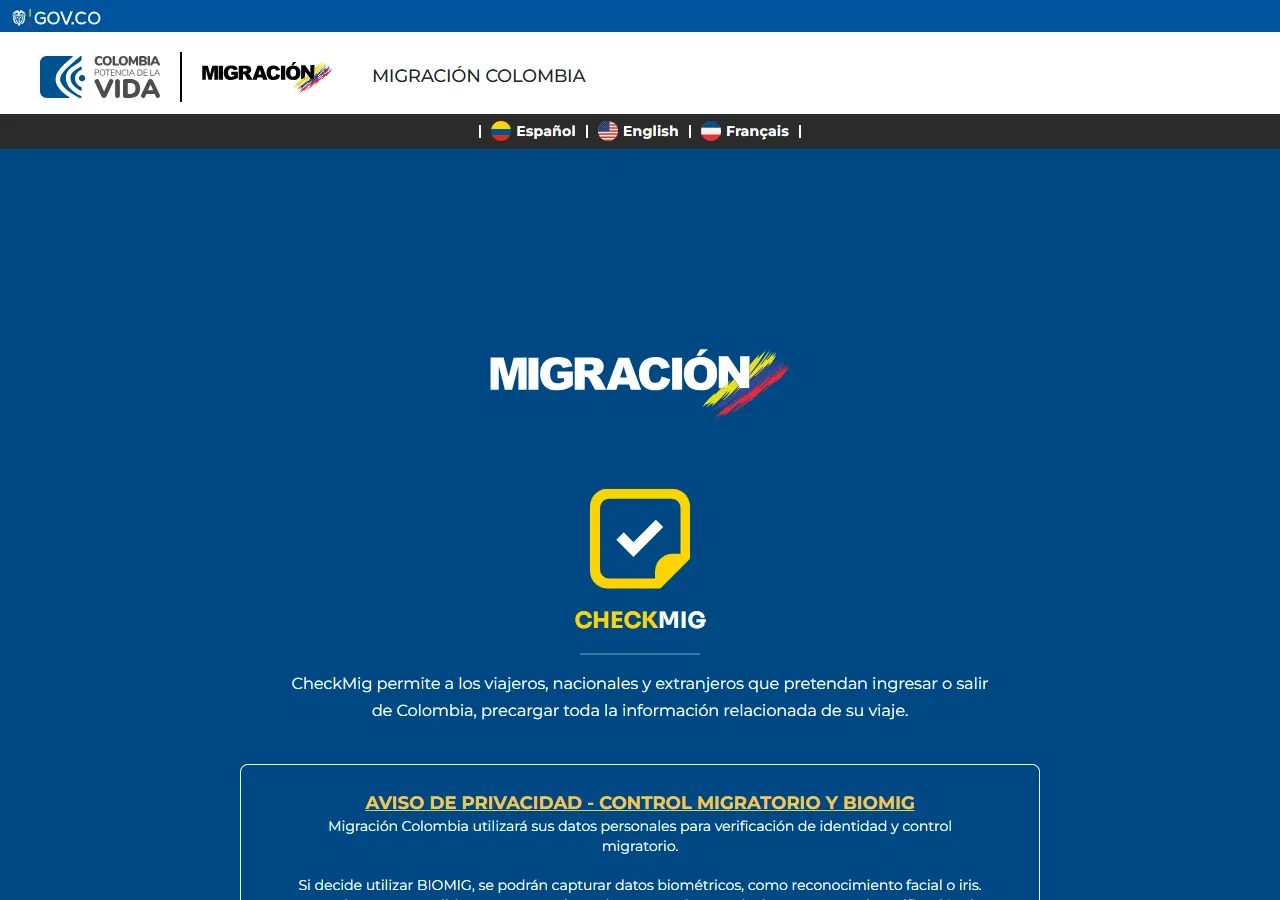
📸 About This Screenshot
This screenshot shows the latest official electronic entry card landing/login page. The step-by-step text guide below is based on the actual form structure, with detailed field instructions and common mistake warnings for your reference.
Email Address
emailRequiredEnter a valid email address that you have access to. This will be used for account verification and to receive your Check-MIG confirmation. Use the same email for both entry and exit forms to keep records consistent.
⚠ Common Mistakes
- •Using a temporary or shared email that you cannot access later
- •Typing the email incorrectly, leading to failed verification
Password
passwordRequiredCreate a strong password with at least 8 characters, including uppercase, lowercase, numbers, and special characters. Do not use personal information like your name or birthdate. Store it securely, as you will need it for the exit form.
⚠ Common Mistakes
- •Using a weak password that is easy to guess
- •Forgetting the password and being locked out for the exit form
2Personal Information
5fields
Personal Information
5fields
Provide your full legal name, date of birth, nationality, and passport details exactly as they appear on your travel document.
First Name (as on passport)
textRequiredEnter your first name exactly as printed on your passport, including any middle names. Do not use nicknames or abbreviations. If your name has accents, include them as shown on the passport.
⚠ Common Mistakes
- •Using a nickname instead of the legal name
- •Omitting a middle name that appears on the passport
Last Name (as on passport)
textRequiredEnter your last name exactly as printed on your passport. For compound surnames, include all parts with spaces or hyphens as shown. Double-check for typos, as this must match your passport exactly.
⚠ Common Mistakes
- •Misspelling the last name, especially with accents or special characters
- •Reversing the order of compound surnames
Date of Birth
dateRequiredSelect your date of birth in the format DD/MM/YYYY. Use the calendar picker if available to avoid format errors. Ensure the date matches your passport exactly, including the year.
⚠ Common Mistakes
- •Entering the date in the wrong format (e.g., MM/DD/YYYY instead of DD/MM/YYYY)
- •Selecting the wrong year, especially for children
Nationality
selectRequiredSelect your nationality from the dropdown list. This should match the country that issued your passport. If you have dual nationality, use the passport you will travel with.
⚠ Common Mistakes
- •Selecting the country of residence instead of nationality
- •Choosing the wrong option for dual nationals
Passport Number
textRequiredEnter your passport number exactly as shown on the passport, including any letters. Do not include spaces or hyphens. Be careful with characters like 0 (zero) vs O (letter O) and 1 (one) vs I (letter I).
⚠ Common Mistakes
- •Confusing the letter O with the number 0
- •Adding spaces or hyphens that are not on the passport
3Travel Details
4fields
Travel Details
4fields
Enter your flight information, including airline, flight number, arrival date, and the airport you are arriving at or departing from.
Airline
selectRequiredSelect the airline you are flying with from the dropdown list. If your airline is not listed, choose 'Other' and enter the name manually. Use the airline name as it appears on your ticket.
⚠ Common Mistakes
- •Selecting the wrong airline, especially with code-share flights
- •Choosing 'Other' when the airline is actually listed
Flight Number
textRequiredEnter the flight number exactly as shown on your ticket, including the airline code (e.g., AV123). Do not include spaces or hyphens. Double-check the number, as a wrong flight number can cause issues at check-in.
⚠ Common Mistakes
- •Typing the flight number without the airline code
- •Confusing similar-looking numbers like 0 and O
Arrival Date (or Departure Date for exit)
dateRequiredSelect the date you will arrive in Colombia (for entry) or leave Colombia (for exit). This must be within 72 hours of your flight. Use the format DD/MM/YYYY and ensure it matches your flight itinerary.
⚠ Common Mistakes
- •Selecting the wrong date due to time zone differences
- •Entering a date outside the 72-hour window
Airport of Arrival/Departure
selectRequiredSelect the airport in Colombia where you will land (for entry) or from which you will depart (for exit). Common airports include El Dorado (BOG) in Bogotá, José María Córdova (MDE) in Medellín, and Rafael Núñez (CTG) in Cartagena.
⚠ Common Mistakes
- •Selecting the wrong airport, especially if you have a connecting flight
- •Choosing the airport of your origin instead of the Colombian airport
4Health & Migration Declarations
3fields
Health & Migration Declarations
3fields
Answer questions about your health status, recent travel history, and any items you are bringing into Colombia.
Do you have any symptoms of COVID-19 or other infectious diseases?
radioRequiredSelect 'Yes' if you currently have fever, cough, difficulty breathing, or other symptoms. Be honest, as this may affect your entry. If you are unsure, consult the health guidelines provided by the Colombian government.
⚠ Common Mistakes
- •Selecting 'No' to avoid delays, which is risky and dishonest
- •Misunderstanding the question and answering about past symptoms instead of current ones
Have you been in any country other than your residence in the last 14 days?
radioRequiredSelect 'Yes' if you have traveled internationally in the last 14 days. If yes, you may be asked to list the countries. This is for health monitoring purposes, so be accurate.
⚠ Common Mistakes
- •Forgetting a transit country where you had a layover
- •Answering 'No' if you only visited your home country, but you actually transited through another
Are you carrying any agricultural products, plants, or animal products?
radioRequiredSelect 'Yes' if you are bringing any food, seeds, plants, meat, dairy, or other agricultural items. If yes, you may need to declare them at customs. Failure to declare can result in fines.
⚠ Common Mistakes
- •Answering 'No' to avoid customs inspection, which is illegal
- •Not realizing that snacks like fruit or nuts count as agricultural products
5Accommodation & Contact Information
2fields
Accommodation & Contact Information
2fields
Provide your address in Colombia and a contact phone number where you can be reached during your stay.
Accommodation Address in Colombia
textRequiredEnter the full address of where you will stay, including street, number, city, and department (state). If you are staying at a hotel, include the hotel name and address. For cruises or other accommodations, provide the port or vessel name.
⚠ Common Mistakes
- •Providing an incomplete address, missing the city or department
- •Using a PO box instead of a physical address
Phone Number (with country code)
textRequiredEnter a phone number where you can be reached during your stay. Include the country code (e.g., +57 for Colombia, +1 for USA). Use only digits and the plus sign. For a Colombian number, it should be 10 digits after the country code.
⚠ Common Mistakes
- •Omitting the country code, making the number invalid
- •Using a landline number that is not reachable internationally
6Review & Submission
2fields
Review & Submission
2fields
Review all your information for accuracy, accept the terms, and submit the form to generate your Check-MIG QR code.
Terms and Conditions Acceptance
radioRequiredCheck the box to accept the terms and conditions. This confirms that the information provided is true and accurate. You must accept to proceed with submission.
⚠ Common Mistakes
- •Skipping the checkbox and being unable to submit
- •Not reading the terms, but this is not a mistake per se, just a caution
Confirmation of Data Accuracy
radioRequiredConfirm that all the information you entered is correct and matches your passport and travel documents. This is a final verification step before submission.
⚠ Common Mistakes
- •Rushing through without double-checking, leading to errors
- •Assuming the system will correct mistakes automatically
💬 Travel Experience Exchange
Applying or already traveled? Share your entry/exit experience, real problems encountered, or recent changes to help fellow travelers — our editors will also respond regularly.
- Share pitfalls or surprises during your entry process
- Let others know about recent entry procedure changes
- Read the guide and warnings above before asking
- Comments are moderated by the editorial team; inappropriate content is removed
💬 Leave a comment
Just enter your name and comment.